Scattered[01]
The whole job in one place, office to site
Konverge runs estimates, programmes, drawings, daily logs, snags, job costs and payment applications in one workspace, in the browser on any computer or phone. iPhone and Android apps are coming soon.
14 days free · card required · cancel before day 15 and pay nothing
Discover more
Trial
14 days free
Card at sign-up
Imports
- PDF drawing sets
- Microsoft Project
- Primavera P6 (XER)
- CSV and spreadsheets
- Photos from any phone
- Your cost catalog
Runs in the browser on any computer or phone. iPhone and Android apps coming soon.
Problems
None of it is wrong on its own. The trouble starts when a dispute lands and the record is spread across six phones, a drawer of diaries and a spreadsheet only one person understands.
Superseded[02]
The drawing on site is not the current one
Unrecorded[03]
Nobody wrote the diary the day it mattered
Late[04]
The cost turns up after the problem
On site
In the office
On every job
One record
The snag the foreman photographs is the one the PM assigns, the QS prices and the director sees on the margin report. Nobody types it twice.
The product
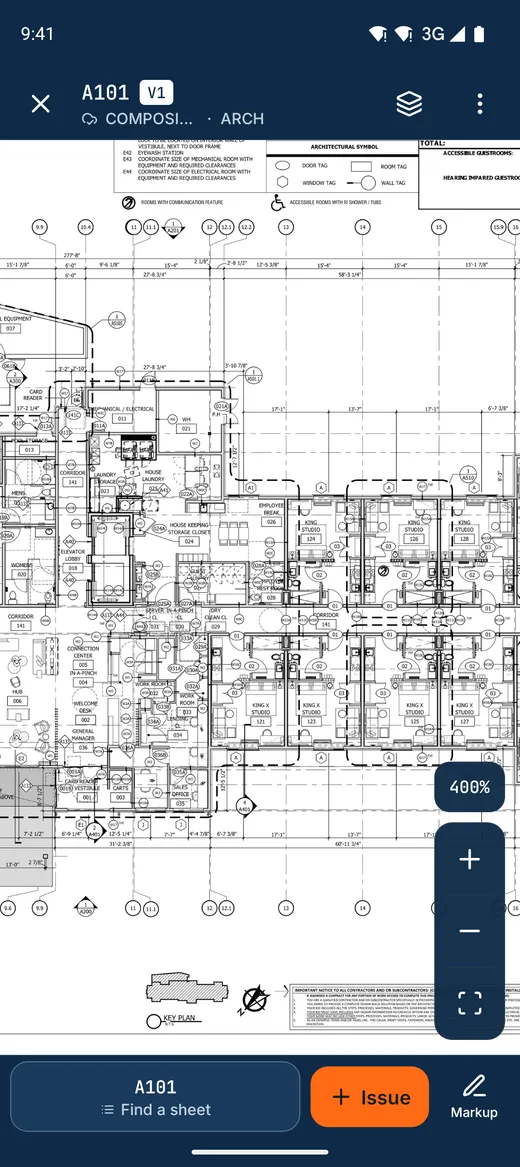
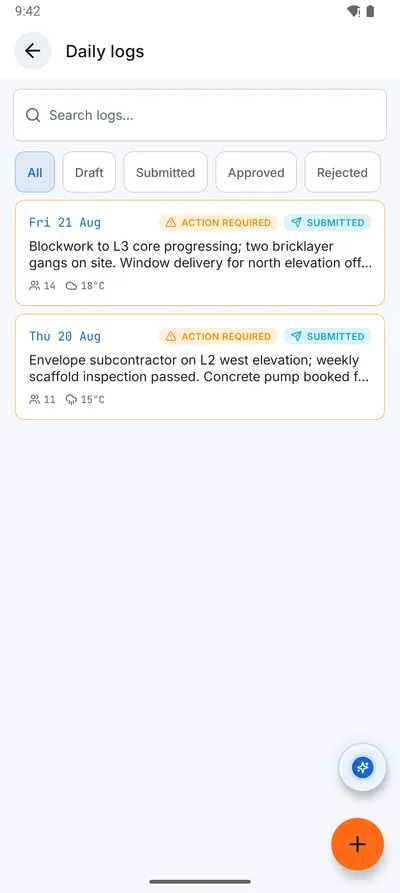
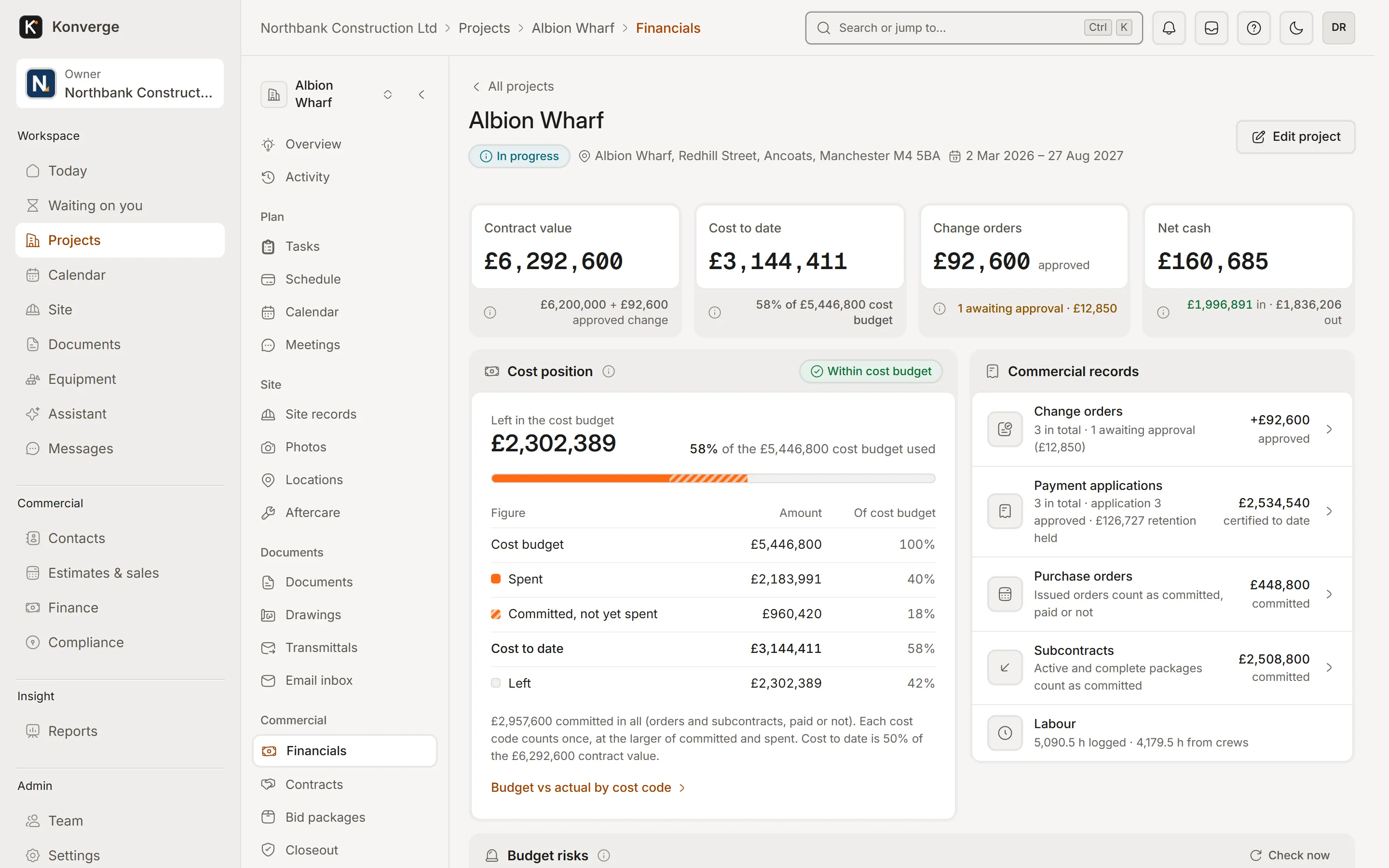
Fig. 02Project financials, Albion Wharf
- 1Contract, cost, change orders, cash
- 2Spent and committed against budget
- 3Every commercial record, one click
How it works
Every record follows the same path from the person who saw it to the person who signs it off, and it keeps who did what and when.
01
Capture
The site records it in a few taps: a photo, a snag, the day’s labour and weather. In the phone apps (coming soon), no signal is a normal day, not an error.
02
Track
The office sees it land, assigned to someone, pinned to the drawing and tied to the programme and the budget.
03
Close
Someone signs it off and the record stays, ready for the client, the valuation or the dispute two years later.
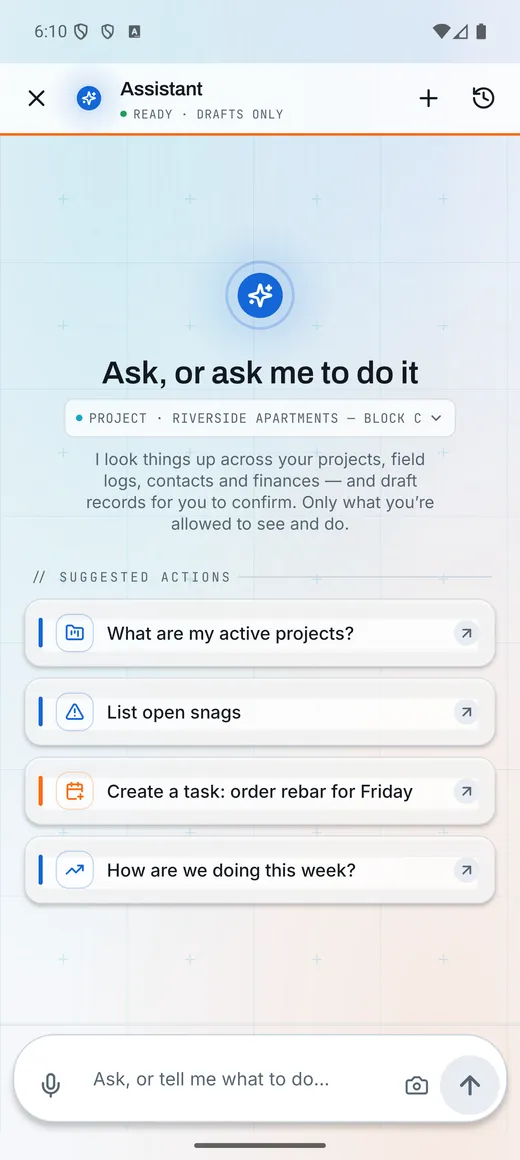
The assistant drafts, a person confirms. Anything it proposes runs through the same permission checks and audit trail as the screens you would use yourself.
How the assistant worksThe assistant
[ Scroll to continue ]
01 / 04 · Read
It reads the sheet you have open
Title block, revision, grid and every reference on the drawing, in the browser and on the phone.
[ Scroll to continue ]
02 / 04 · Flag
It flags what doesn’t add up
Set review checks the whole drawing set: references to sheets that are not there, doors missing from the schedule, revisions out of step.
[ Click a finding ]
03 / 04 · Ask
Ask it in plain words
Answers come from your own records, with the part of the drawing to look at. Tap it and the sheet zooms there.
[ Pick a question ]
04 / 04 · Confirm
Nothing changes until you confirm
It drafts the RFI, the task or the change and shows exactly what will be saved. It goes through the same permissions and audit trail as you would.
[ Try confirm ]
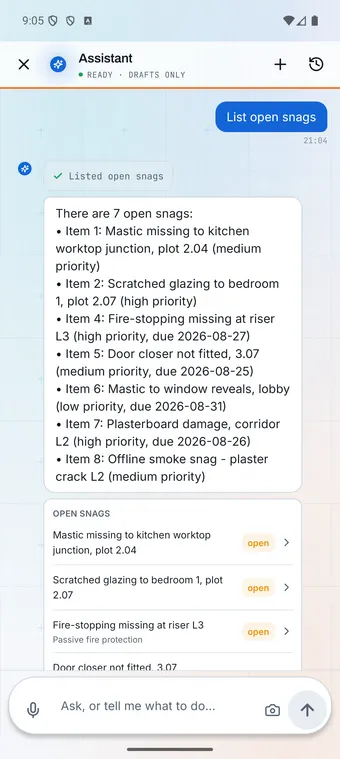
Same thread on the phone
Illustration · showcase workspace
1Set review · reference
Stair callout points to an old detail
This plan calls the stair up to detail 5 on A-501. A-501 is now at Rev B, where the stair balustrade is detail 7.
2Set review · schedule
Door D-12 is missing from the schedule
D-12 is drawn on this plan but has no row in the door schedule on A-601, so it has no fire rating or hardware set.
3Set review · revision
Structural set still on Rev B
A-201 was issued at Rev C on 9 Oct. S-201, the slab below it, is still at Rev B.
Who it’s for
01DirectorsEvery job’s margin and cash on one page.02Project managersProgramme, RFIs, change orders and the team in one place.03Site managersDaily log, snags, inspections and permits from the phone.04Quantity surveyorsBudgets, valuations and payment applications with the evidence attached.05EstimatorsCost catalog, takeoff and proposals clients accept online.06Foremen and crewsTimesheets, drawings and tasks, on a phone, with gloves on.07SubcontractorsTheir packages, their snags and their paperwork, and nobody else’s.
[A,1][F,1][A,6][F,6]
14-day free trial with your card at sign-up: cancel before day 15 and you pay nothing. Bring a live job, your drawings and your team, and see it on site the same day.